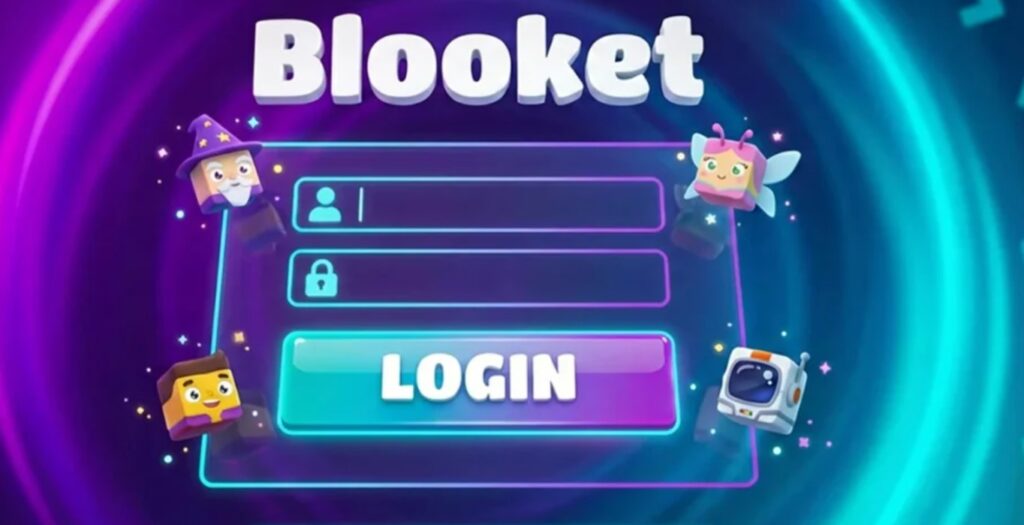
blooket login
Blooket has become a familiar name in many classrooms because it turns quiz-based learning into a more active game experience. Teachers can host review games, students can join with a code, and the platform makes lessons feel more interactive without needing a complicated setup. That is why many students, parents, and teachers search for blooket login when they want to access an account, join a live game, or understand how the platform works.
The important point is that logging in and joining a game are not always the same thing. A teacher usually logs in to create sets, host games, assign homework, and view reports. A student may join a live game using a code, QR code, or shared link, even without creating an account. This guide explains what Blooket login means, how students join games, and what to check if something does not work.
What Is blooket login?
blooket login refers to the process of signing in to a Blooket account. Once logged in, users can access features connected to their profile. For teachers, this may include creating question sets, hosting games, choosing game modes, and reviewing student performance. For students, logging in can help them keep track of progress, use account-based features, and manage their own Blooket profile.
A login is useful, but it is not always required for basic classroom play. This is where many users get confused. If a teacher is hosting a live game, students can often join directly with the game code or link. Logging in mainly matters when someone wants to save progress, use personal account features, or manage content from their dashboard.
How Do Students Join a Blooket Game?
Students usually join a Blooket game through a code shared by their teacher. The teacher starts a game session, and Blooket generates a game code or join option. Students then go to the play page, enter the code, choose a nickname, and wait for the host to begin. This process is designed to be quick so the class does not lose time during a lesson.
Students may also join by scanning a QR code or clicking a join link. These options are helpful when a teacher wants to reduce typing errors or make the process easier for younger students. The most reliable instructions are available on the official Blooket help page for how to join a game, which explains the supported joining methods clearly.
Do Students Need a Blooket Account to Play?
In many live classroom games, students do not need an account to participate. They can join with the game code, enter a nickname, and start playing once the teacher begins the session. This makes Blooket easier for schools because students can take part without going through a full sign-up process every time.
However, a student account can still be useful in some cases. If students want to save progress, collect Blooks, track stats, or use account-based features, logging in makes sense. Parents and teachers should also remember that account creation may involve age rules and school privacy considerations, so younger students should follow the guidance set by their school or teacher.
Common Blooket Login Problems and Easy Fixes
Some login problems are simple. A student or teacher may type the wrong email, use the wrong password, or enter a username with incorrect capital letters. Usernames can be case-sensitive, so even a small typing mistake may stop the login from working. If the password is forgotten, the reset option should be used from the official login page.
Other issues may come from the device, browser, school network, or extensions. Ad blockers, firewall settings, or restricted school devices can sometimes stop parts of a learning platform from loading properly. If the game page does not open, the code does not work, or hosting fails, users should try a different browser, check the internet connection, disable blocking extensions, or ask the school IT team to review access settings.
Is Blooket Safe for Students and Classrooms?
Blooket is widely used in classroom settings, but safety still depends on how teachers and schools manage it. Students should only join games shared by trusted teachers or approved classroom sources. They should not enter personal information on random third-party websites that claim to offer Blooket access, hacks, rewards, or free account features.
Parents and teachers should also review privacy settings, account rules, and classroom use policies. For younger students, it is better to use teacher-guided sessions and avoid unnecessary account creation unless the school allows it. As with any online learning tool, the safest approach is to use official Blooket pages, keep login details private, and avoid unofficial sites asking for passwords or personal data.
Conclusion
blooket login is mainly used when teachers or students want to access account features on Blooket. Teachers usually log in to host games, create sets, and manage classroom activities. Students can often join live games without logging in by using a game code, QR code, or shared link.
For most users, the key is to understand the difference between signing in and joining a game. If you only need to play a live classroom session, a code may be enough. If you want saved progress or account tools, logging in is useful. Always use the official Blooket website and avoid third-party pages that ask for account details.
FAQs
What is blooket login used for?
It is used to access a Blooket account, manage profile features, create sets, host games, or save progress.
Can students join Blooket without logging in?
Yes, students can often join live games with a code, QR code, or link shared by the teacher.
Why is my Blooket code not working?
The game may have ended, the code may be typed incorrectly, or the teacher may need to start a new session.
Is Blooket free for students?
Students can join many classroom games for free. Some extra features may depend on account settings or school use.
About The Author